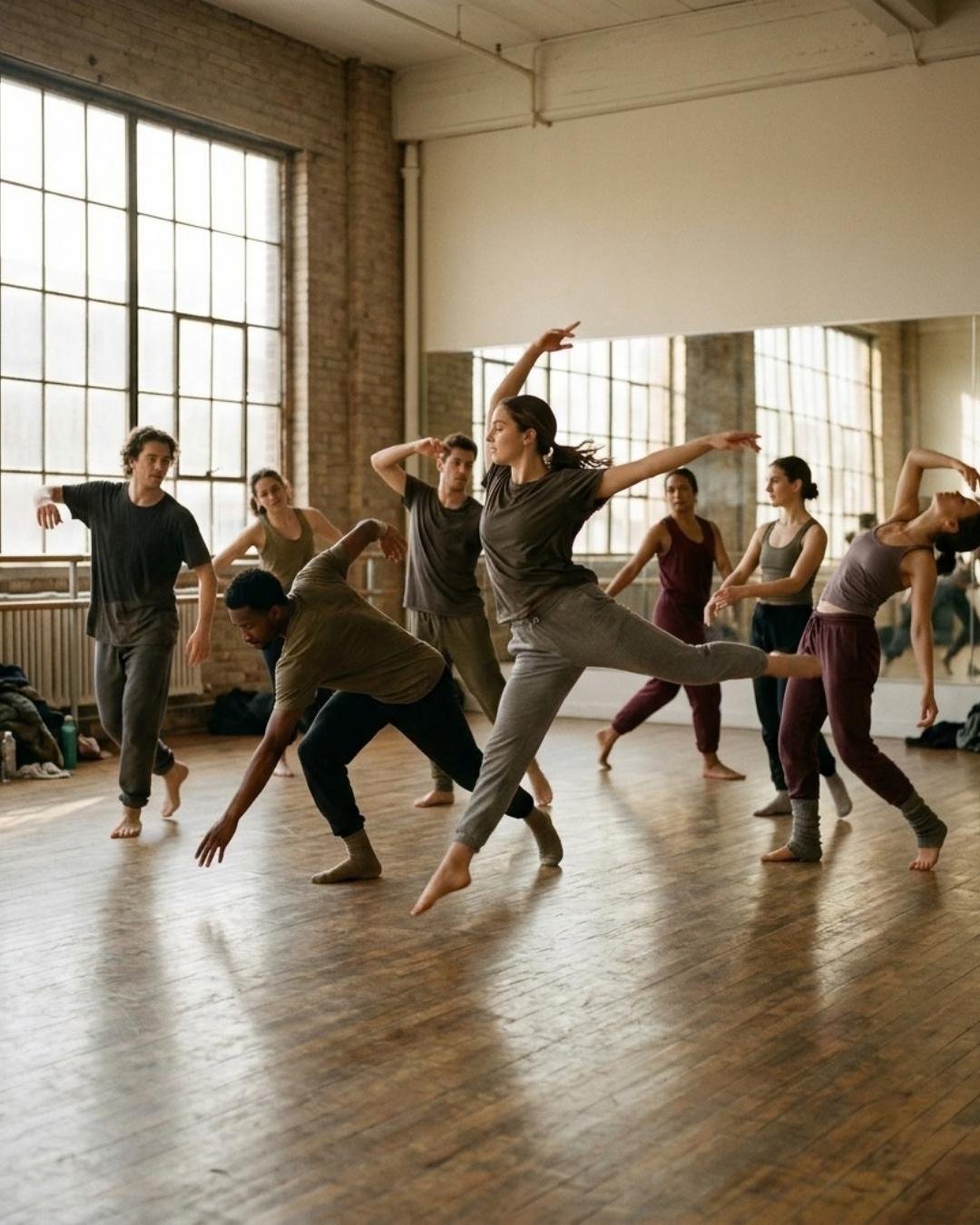
Season sign-ups
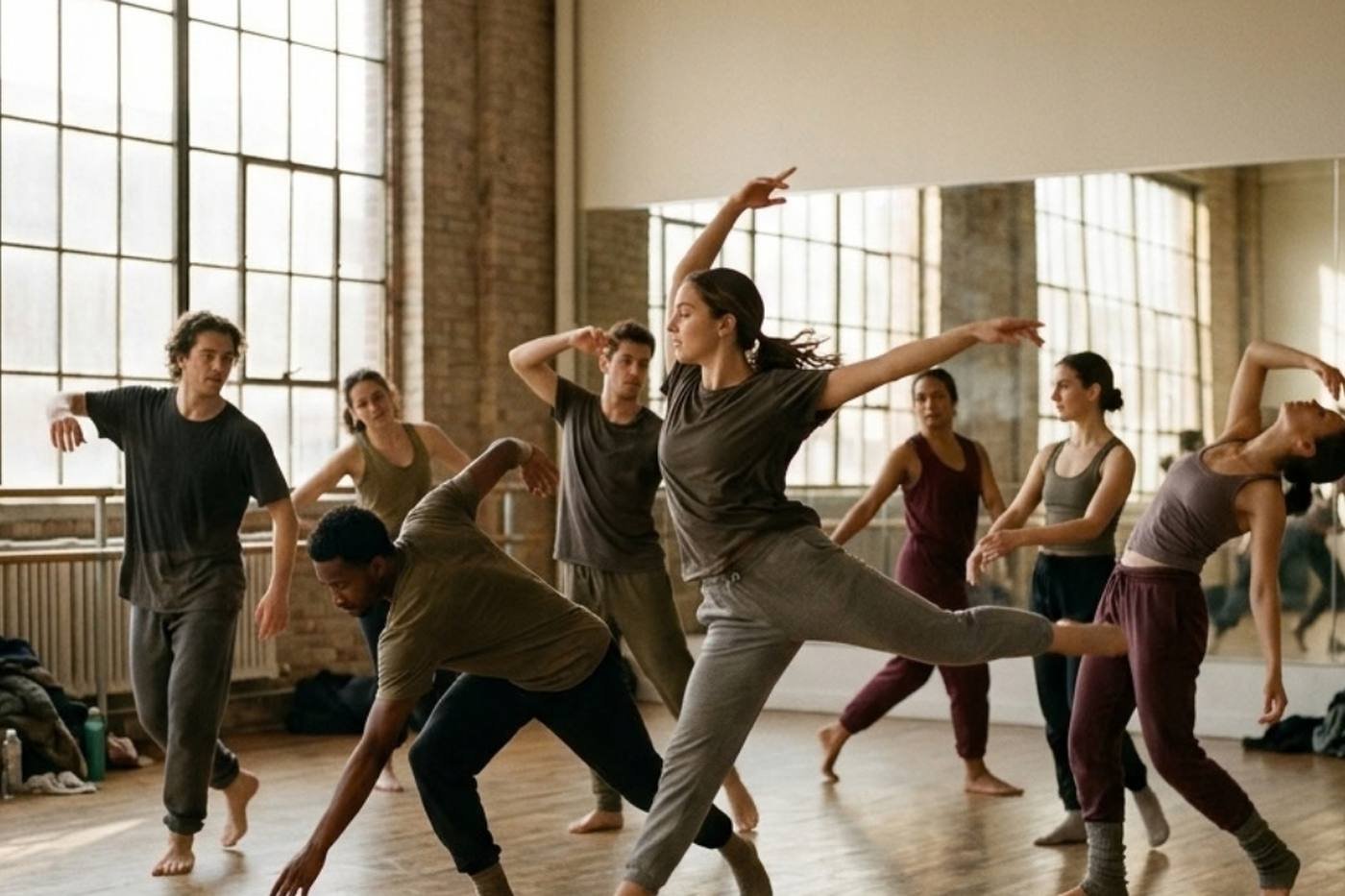
Season sign-ups online, classes by level and age group, fees collected by direct debit, gala tickets sold: a new term with no pile of paperwork.
Season sign-up form, choice of class and level, parental consent and fees paid online: your office gets its September back.
A form of your own: choice of class, level and age group, parental consent, medical certificate and payment in the same go.
Pre-school, beginners, ballet, modern jazz, hip-hop: every class has its time, its studio, its teacher and its number of places.
Sell seats for the end-of-year show online, with named tickets and checks on the door.
Ballet schools, modern jazz studios, hip-hop associations: the site replaces the paper form and the fees spreadsheet.
Season sign-ups
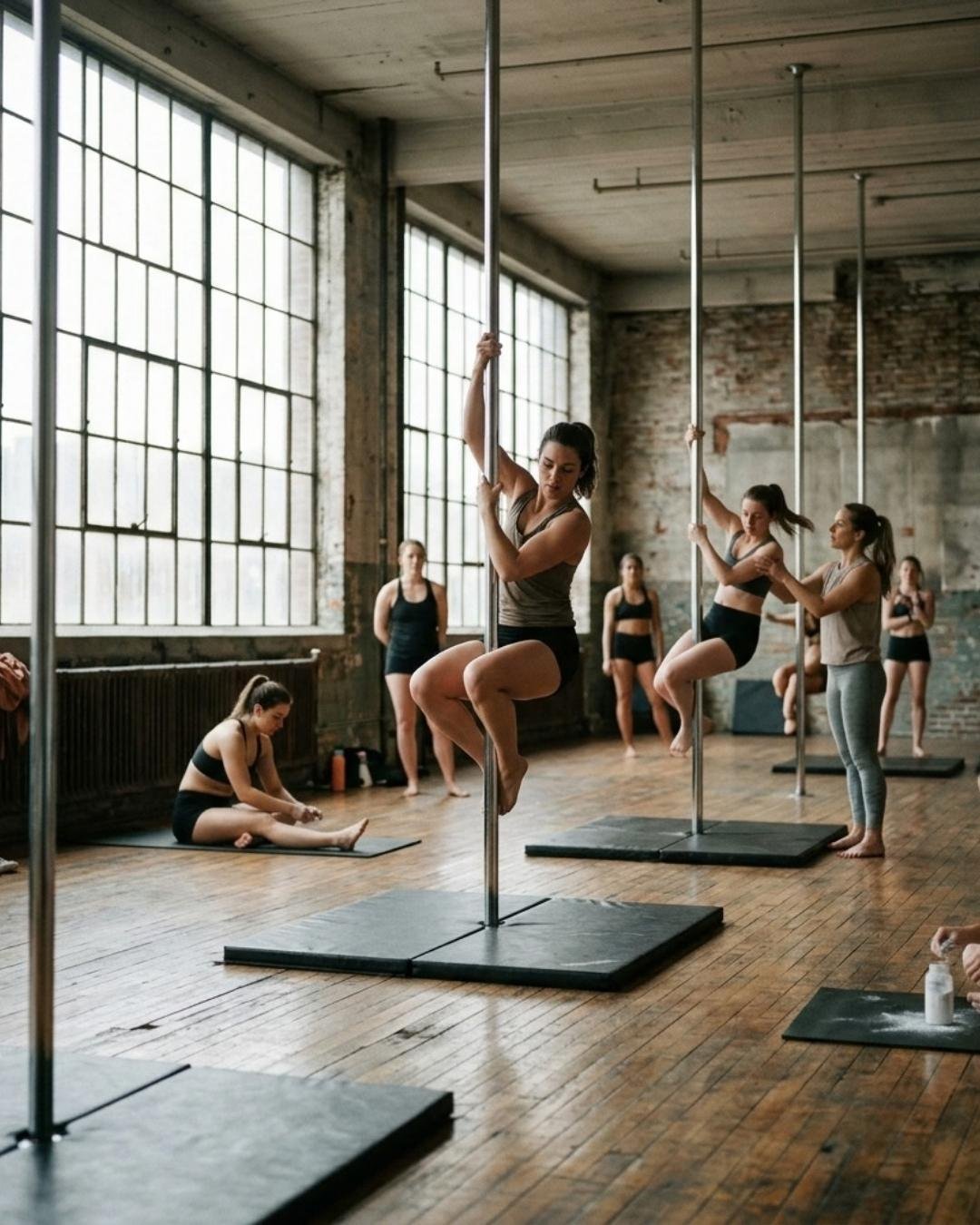
Schedule by level
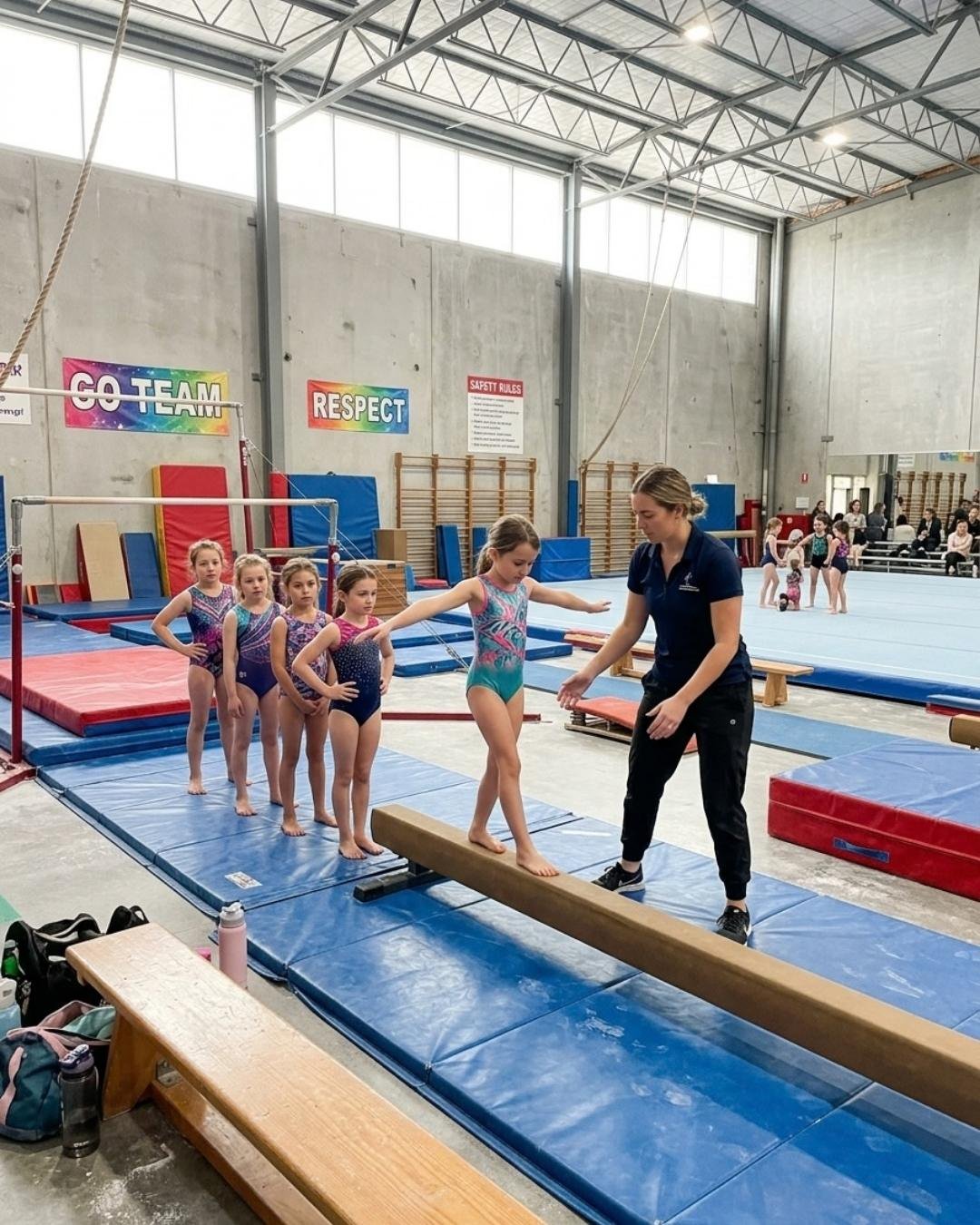
Gala ticketing
Trial classes without the paperwork
Plans
A dance school site has two jobs. It reassures the families who are hesitating, then it records their sign-up. Before choosing a design, list what a parent is looking for: the classes on offer, the ages, the times, how much the membership costs and the steps to enrol their child. A site that is clear on those five points is already ahead. It is still the shop window for running a dance school: behind it, you need a tool that keeps the lists up to date.
Creative movement, introductory, ballet, modern jazz, hip-hop, contemporary: every discipline deserves its own page. Present each class with the age range, the level, the length, the studio and the teacher's name. A single page stacking ten disciplines ranks on no precise search at all. A dedicated page, by contrast, answers an exact request and ranks on the dance style it describes.
Navigation is the backbone of the site. Four to six entries are enough, named in plain words. A visitor should understand where to click without thinking, from their phone, between two appointments. Remember an entry for school life too, the one families look at all year round.
Dance is watched before it is read. A good-quality photo and video gallery says more than three paragraphs of prose. Take care over a few high-definition images per discipline: a class at work, a moment from the gala, a holiday-course workshop. Those photos and videos build your school's image and should reflect its real style, not a stock library's.
The searches are short and very concrete. People type a dance style followed by the name of their town, or "dance classes for a 5-year-old", or else "modern jazz adult beginner". Use those words in your headings and your copy, rather than the school's internal vocabulary. Your online presence largely rides on that gap in language.
A school recruits within a few kilometres. So fill in your Google Business listing: exact address, opening hours, photographs, link to the site. The name, the address and the phone number must be identical everywhere, on your own pages as in the directories. Nobody can guarantee a position on Google, but local search optimisation is the work that shows results soonest.
Write short. One idea per paragraph, simple sentences, the right word for each discipline. Mention what reassures, too: how long the school has been going, the teachers' qualifications, the insurance, the medical certificate asked for at sign-up. If you run a dance and pole dance studio, the principle is the same with a different vocabulary.
Most school sites do not lose sign-ups because of how they look. They lose them on details of information.
The contact page is often the second most visited, just after the classes. Show a tappable phone number, an email address, the studio's location on a map and a short form at the foot of the page. A parent who cannot work out how to reach you closes the tab. Responsiveness does the rest: a same-day reply builds trust better than any argument.
Most visits come from a phone. Oversized photographs weigh the performance down and drive people away before the page even appears. A fast site, legible without zooming, with buttons big enough to tap: that is the basis of a good visit.
A visitor you have convinced must be able to act straight away. If the only way forward on offer is "call us during office hours", you lose the families who are looking on a Sunday evening.
An online schedule makes your sessions bookable around the clock. Limited places and the waiting list keep classes from being overfilled, and automatic reminders cut absences. With a booking system built into the site, a parent books a taster class in a few clicks, with no email exchange.
A sign-up is a commitment for a whole season. Online payment by Stripe at the time of booking does away with forgotten cheques and November chasing. You spend less time running after fees, and your cash flow follows the real calendar of classes.
Automated emails take over for the follow-up: sign-up confirmation, reminder the day before, news of a change of studio, a campaign for places at the gala. That regular thread helps families organise themselves and saves you repeating the same information ten times.
You do not need a website on one side and software on the other. BetterSport designs a bespoke website, written and search-optimised for dance, connected to the tool that actually runs your season: schedule, booking with limited places and a waiting list, payment, emails. The features a school needs are in place from the start, and you also get bespoke software and an iOS and Android mobile app under your own brand.
Getting started is simple. You describe your classes, your levels and your needs; we build the pages, the gallery and the sign-up journey to suit your families. Would you rather judge it on your own new term before deciding? Talk to an expert or start your free 14-day trial, with no card details.
Yes: each class has its level, its age range, its time, its studio and its number of places.
Yes — in two, three or four instalments debited automatically across the season.
It is signed online during sign-up, with the medical certificate uploaded at the same moment.
Yes: online ticketing, named tickets and checks on the door from a phone.
Yes, limited to their own classes: pupil list, attendance and messaging.
Yes. The pages are optimised for "dance school" plus your town.
It all depends on the content you supply. The pages, the timetable and the sign-up journey go up quickly; what takes time is the copy, the photographs and the exact list of classes. A school that has its information ready can open sign-ups well before the new term. The simplest route is to begin with the free 14-day trial, then settle the content.
Yes, it is better. A domain name carrying the school's own name belongs to you, is easy to remember and serves for emails as much as for gala posters. It strengthens the consistency of your online presence, from the site to the directories. Avoid changing it every couple of years: each move costs you visibility.
Yes. If your site suits you, a booking widget fits into your existing pages and handles the sessions, the places and the payment. You keep your design and you get your sign-ups online. Many schools start that way, then rebuild the site later.
State clearly who teaches and under what terms. Teaching dance for payment requires a qualification or a professional licence, and working with under-18s requires a background check. Set out the school's insurance too, and the medical certificate you ask for at sign-up. Those statements reassure parents as much as they protect you.